Skip to content
Form Templates

Form Templates

  • All Articles
  • App
  • C++
  • Coding
  • More
    • Discord
    • Excel
    • Hardware
    • Microsoft Office
    • Operating System
    • Outlook
    • PowerPoint
    • Review
    • Software
    • Tip & Trick
    • Troubleshooting
    • Windows

PowerPoint

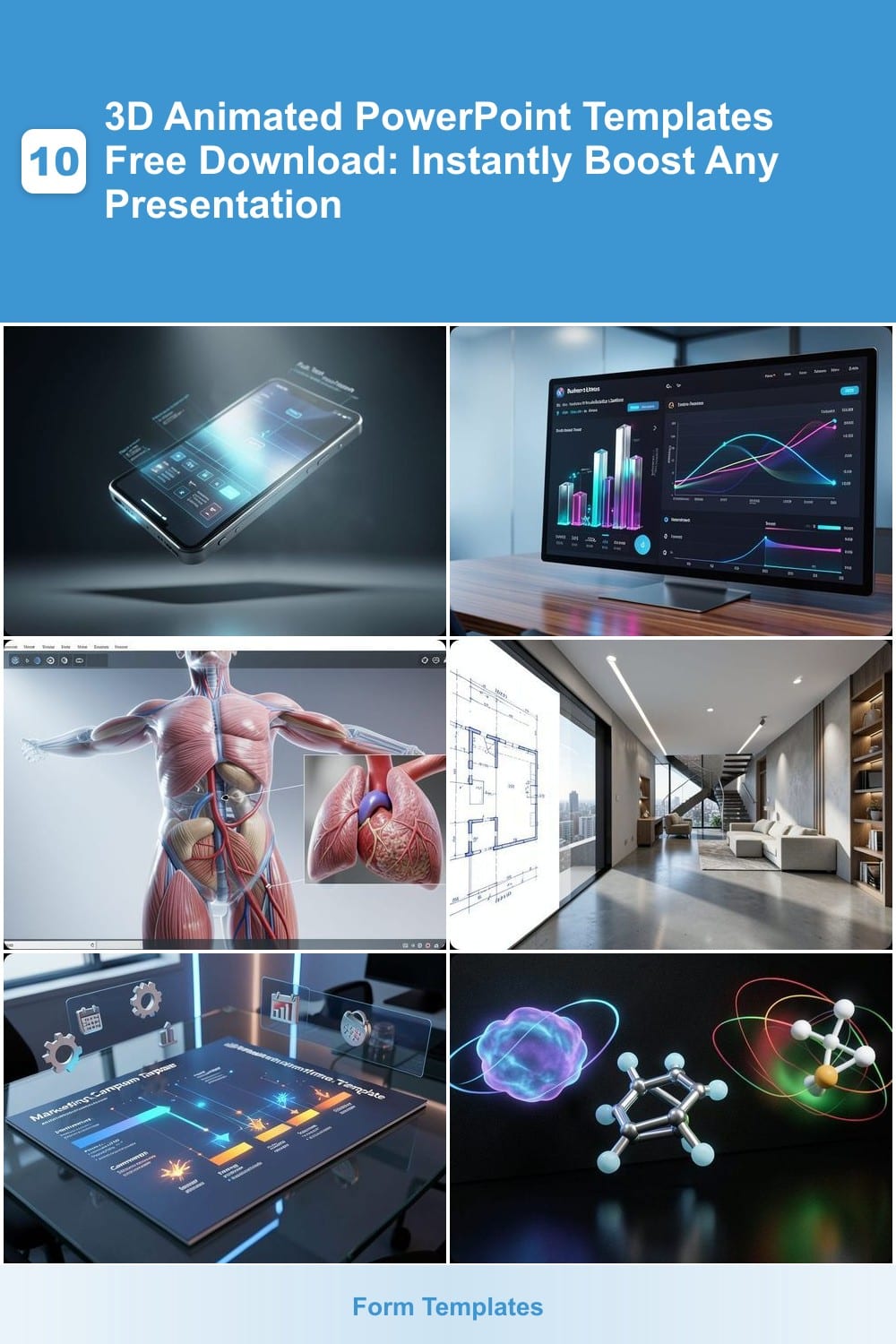
10 3D Animated PowerPoint Templates Free Download: Instantly Boost Any Presentation
November 5, 2026 by Yvette Pappas
10 3D Animated PowerPoint Templates Free Download: Instantly Boost Any Presentation

Struggling to make your PowerPoint presentations stand out? These 10 free 3D animated templates will transform your slides into dynamic visual experiences without requiring advanced design skills or expensive software. 1…

Read more

Categories PowerPoint

Can You Share a Powerpoint for Editing: Free Templates and Legal Alternatives

November 5, 2026 by Yvette Pappas
Can You Share a Powerpoint for Editing: Free Templates and Legal Alternatives

💥 Quick Answer To share a PowerPoint for editing, use cloud services like OneDrive, Google Drive, or SharePoint with edit permissions enabled, or send a copy via email with track changes enabled. Never share the…

Read more

Categories PowerPoint

Do You Have To Cite Stock Photos in PowerPoint: Legal Rules and When to Attribute

November 23, 2026 by Yvette Pappas
Do You Have To Cite Stock Photos in PowerPoint: Legal Rules and When to Attribute

Do you have to cite stock photos in PowerPoint have when using images from copyright-protected sources like Shutterstock or Adobe Stock, unless they're public domain or royalty-free. Always verify the license terms first…

Read more

Categories PowerPoint

How to Add 3d Models in Powerpoint: Instant Visual Impact in Seconds

November 23, 2026 by Yvette Pappas
How to Add 3d Models in Powerpoint: Instant Visual Impact in Seconds

Learning how to add 3D models in PowerPoint transformed my presentations—it took less than two minutes to turn a flat slide into an interactive demo. ✨ The trick isn’t just inserting a model; it’s making it work for your…

Read more

Categories PowerPoint

How to Add a Timer to Powerpoint: Embed a Countdown Clock in Slides

November 18, 2026 by Yvette Pappas
How to Add a Timer to Powerpoint: Embed a Countdown Clock in Slides

Adding a countdown timer to PowerPoint is the secret weapon for presentations where every second counts—whether you're training a team, teaching a class, or delivering a keynote. ⚡ I’ve used this trick for client demos…

Read more

Categories PowerPoint

How to Animate Text in Powerpoint: Step-by-Step Visual Effects Mastery

October 10, 2026 by Yvette Pappas
How to Animate Text in Powerpoint: Step-by-Step Visual Effects Mastery

Learning how to animate text in PowerPoint was a disaster for me—words careening off-screen like a malfunctioning pinball machine. 💻 That was 1998, and while the software has improved dramatically, the core principles…

Read more

Categories PowerPoint

How to Blur an Image in PowerPoint: Pixel-Perfect Focus Control in Seconds

October 15, 2026 by Yvette Pappas
How to Blur an Image in PowerPoint: Pixel-Perfect Focus Control in Seconds

My PowerPoint presentations used to look flat until I discovered how to blur an image in PowerPoint—it transformed slides in seconds. ✨ The trick isn't just slapping on effects; it's about controlling focus to highlight…

Read more

Categories PowerPoint

How to Change Margins in Powerpoint: Precision Adjustments in Seconds

October 15, 2026 by Yvette Pappas
How to Change Margins in Powerpoint: Precision Adjustments in Seconds

Changing margins in PowerPoint can transform your slides from cramped to polished in seconds. ✨ I’ve adjusted margins hundreds of times—whether for printouts, speaker notes, or custom templates—and the process is simpler…

Read more

Categories PowerPoint

How to Convert Word to PowerPoint: Seamless Slide Design in Minutes

November 17, 2026 by Yvette Pappas
How to Convert Word to PowerPoint: Seamless Slide Design in Minutes

Converting a Word document to PowerPoint doesn’t have to be a headache—my uncle’s old IBM manuals taught me that even the clunkiest formats can transform with the right steps. 💡 The built-in Microsoft tools handle most…

Read more

Categories PowerPoint

How to Copy Formatting in PowerPoint: Keyboard Shortcuts for Instant Replication

November 21, 2026 by Yvette Pappas
How to Copy Formatting in PowerPoint: Keyboard Shortcuts for Instant Replication

Copying formatting in PowerPoint saves hours when you're tweaking slides—especially when you've got a deck with 50 slides and one perfect title style you want everywhere. ⚡ I used to waste 15 minutes per slide manually…

Read more

Categories PowerPoint
Page1Page2Page3…Page5Next →

About Me

Yvette Pappas

Yvette Pappas
My first computer was a clunky desktop with a dial-up modem that screeched like a banshee every time I tried to load a webpage. That machine taught me patience—and how to fix things when they broke. Now, I run this site to help others navigate the ever-changing world of tech, whether it’s troubleshooting a stubborn printer or mastering the latest software. Think of it as a digital toolkit for anyone who’s ever stared at a screen, wondering what went wrong.

Learn more

Recent Posts

  • How to Set Up Outlook Express Email: Step-by-Step Legacy System Guide
    How to Set Up Outlook Express Email: Step-by-Step Legacy System Guide
  • How to Download Onedrive Files to Computer: Instant Local Access Without Cloud Lag
    How to Download Onedrive Files to Computer: Instant Local Access Without Cloud Lag
  • How to Check Installed Software in Windows 10: Quick Control Panel Shortcut
    How to Check Installed Software in Windows 10: Quick Control Panel Shortcut
  • Outlook Uninstall and Reinstall: Clean Fix for Stubborn System Errors
    Outlook Uninstall and Reinstall: Clean Fix for Stubborn System Errors
  • OneNote for Windows 10 Uninstall: Fully Remove All Traces in Minutes
    OneNote for Windows 10 Uninstall: Fully Remove All Traces in Minutes
  • All Guides
  • About
  • Contact
  • Privacy Policy
  • Cookie Policy
  • Terms of Use
© 2026 formtemplates.work