
Software
Working with dates and times in software development? These 10 standardized formats ensure cross-platform compatibility, accurate data processing, and seamless integration across systems—whether you're parsing user inputs or synchronizing APIs.
ISO 8601 Date Format (YYYY-MM-DD)
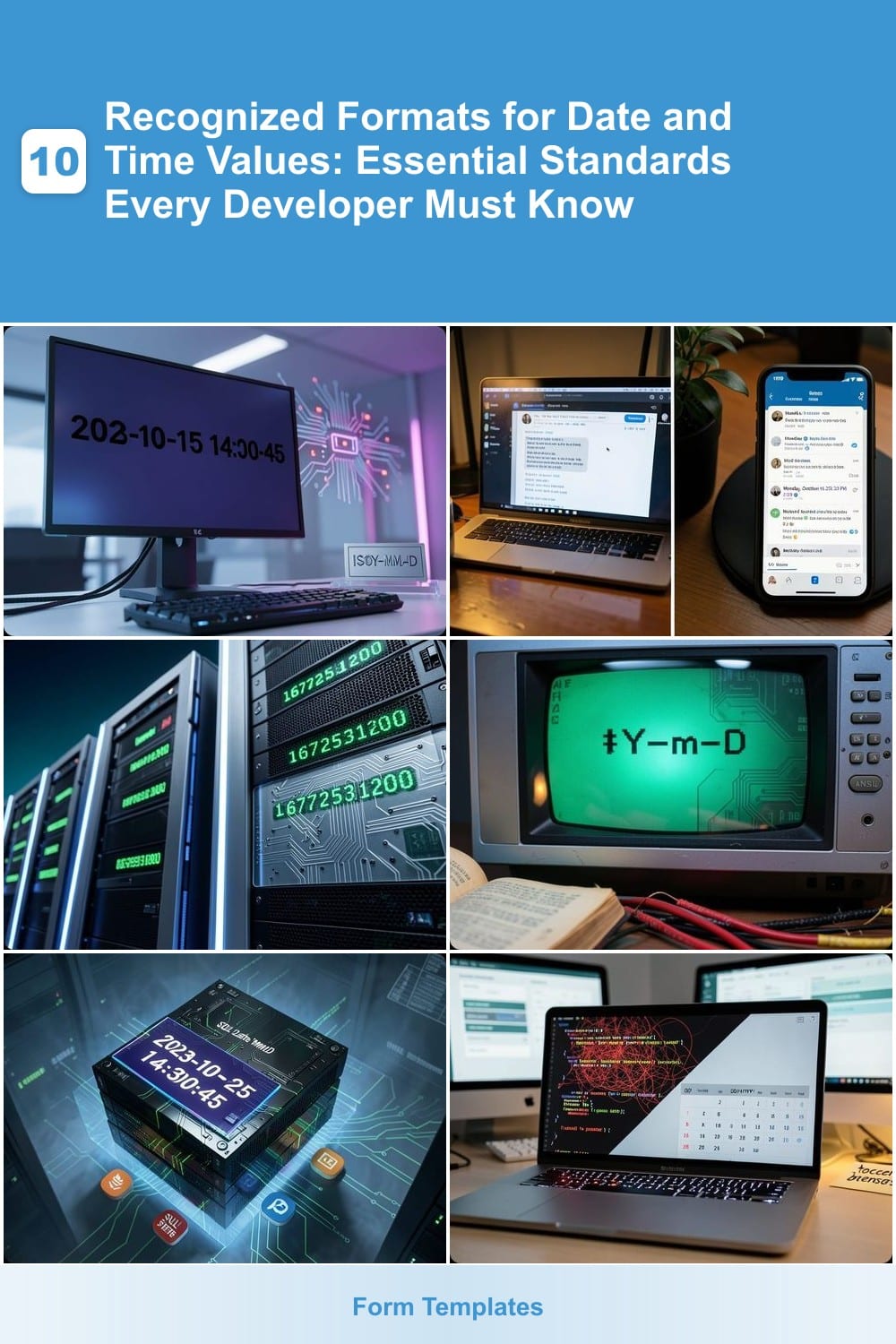
When your application needs to speak the same language as every database, API, and programming language on the planet, ISO 8601 (YYYY-MM-DD) is the answer. This isn’t just another date format—it’s the international standard that eliminates ambiguity by forcing a strict chronological order (year first, then month, then day). Unlike regional formats (e.g., MM/DD/YYYY vs. DD/MM/YYYY), ISO 8601 ensures 2023-10-15 always means October 15, 2023, no matter where your code runs.
The format’s simplicity extends beyond dates: add HH:MM:SS for time, a T separator (e.g., 2023-10-15T14:30:00), and a Z for UTC (or ±HH:MM for time zones) to create a machine-parsable timestamp that works everywhere. Databases like PostgreSQL and MySQL natively support it, while languages from Python (datetime.isoformat()) to JavaScript (toISOString()) generate it effortlessly. Even JSON APIs and configuration files (e.g., Kubernetes manifests) default to this standard.
Perfect for global applications, data pipelines, or any system requiring long-term compatibility, ISO 8601 is the safest choice when you can’t predict where your data will travel. ⚡
RFC 2822 Email Date Format
Ever sent an email only to wonder why the recipient’s client displays the date as "Mon, 16 Oct 2023 14:30:00 +0000" instead of your local format? That’s the power of the RFC 2822 standard—designed specifically for SMTP compatibility and email headers. Unlike other formats, RFC 2822 includes timezone offsets (e.g., +0000 for UTC) and day-of-week abbreviations to ensure emails render correctly across clients like Outlook, Gmail, and Thunderbird.
The format follows a strict structure: Day, DD Mon YYYY HH:MM:SS ±HHMM, where the timezone offset (e.g., +0530 for IST) resolves ambiguity. Libraries like Python’s email.utils.formatdate() or Java’s SimpleDateFormat("EEE, dd MMM yyyy HH:mm:ss z") generate this format automatically, while frameworks like Node.js’s nodemailer support it natively. This makes it ideal for APIs handling email notifications or parsing incoming messages.
Backend developers and email service providers rely on RFC 2822 to future-proof their systems against timezone quirks and client inconsistencies. It’s the unsung hero of cross-platform email interoperability. ✨
Unix Timestamp (Seconds Since Epoch)

When you need machine-readable time that’s both compact and universally understood, Unix timestamps (seconds since January 1, 1970) are the go-to choice. Unlike human-readable formats, this integer-based system eliminates ambiguity—critical for log analysis, caching systems, and performance benchmarks where milliseconds matter.
Each timestamp represents the exact number of seconds (or milliseconds) since the Epoch, making calculations like "time since last event" trivial. For example, 1697456000 translates to October 15, 2023, 00:00:00 UTC—no parsing needed. Libraries like Python’s time.time() or JavaScript’s Date.now() / 1000 handle conversions seamlessly, while databases (e.g., Redis) often store timestamps natively for ultra-fast lookups.
Developers working with high-frequency systems—think trading platforms, DevOps monitoring, or game servers—rely on Unix timestamps for their zero-config simplicity and cross-platform consistency. ⚡
ANSI C Date Format (%Y-%m-%d)
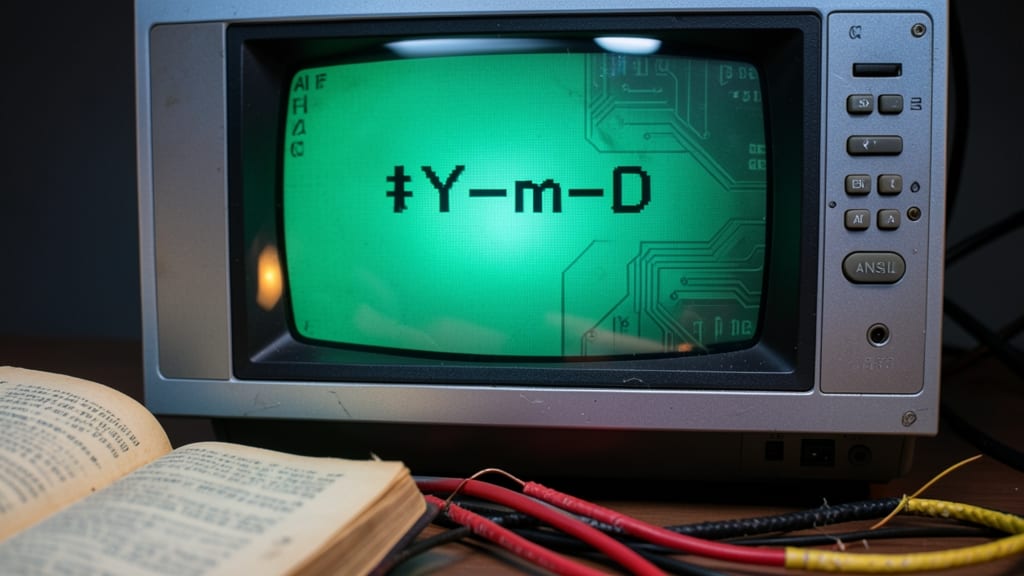
If you’re working with C or C++, the ANSI C date format (%Y-%m-%d) is the invisible glue holding together decades of legacy and modern systems. Unlike newer standards, this format is deeply embedded in standard library functions like strftime() and strptime(), making it the go-to for parsing and formatting dates in embedded systems, kernels, and high-performance applications.
The format mirrors ISO 8601 (YYYY-MM-DD) but with a critical twist: it relies on the time.h library, which means it’s hardware-agnostic and works seamlessly across x86, ARM, and even vintage architectures. Functions like printf("%Y-%m-%d", time) or sscanf() make it trivial to convert between human-readable and machine-processable formats—no external dependencies required.
Perfect for developers maintaining legacy C codebases or integrating with systems where zero-config parsing is critical, this format remains battle-tested in industries like aerospace and finance. ⚡
SQL Date Format (YYYY-MM-DD HH:MI:SS)
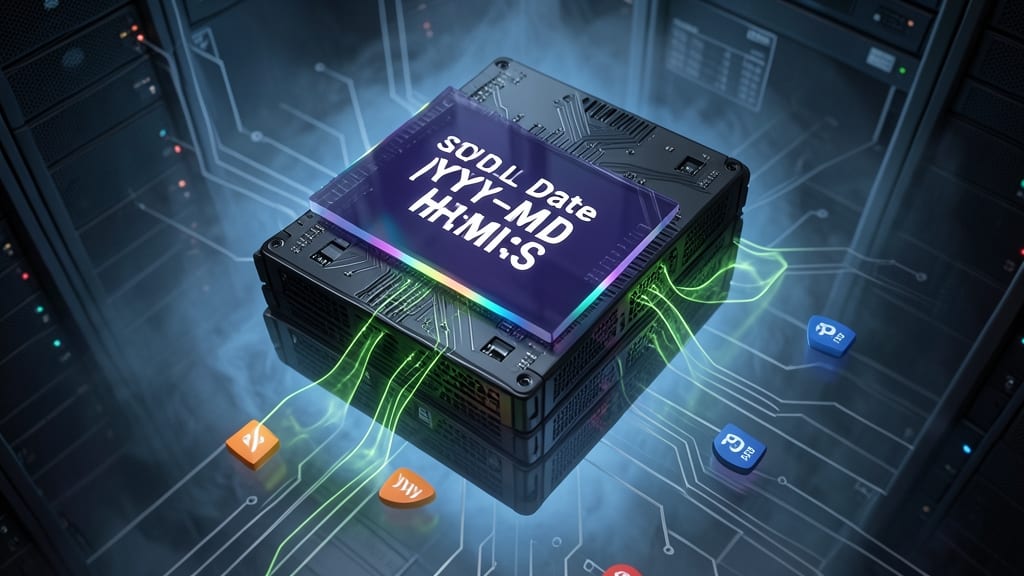
When your application relies on precise temporal data across multiple databases, the SQL Date Format (YYYY-MM-DD HH:MI:SS) becomes your universal translator. Unlike other formats tied to specific use cases, this standard works seamlessly in MySQL, PostgreSQL, and SQL Server without conversion headaches.
This format’s 24-hour time notation eliminates ambiguity, while the millisecond precision (optional) ensures accuracy for high-frequency applications. Whether you’re querying transaction logs or scheduling events, the consistent structure simplifies joins and comparisons across tables.
Backend developers and database administrators will appreciate how this format reduces parsing errors in stored procedures and ORM mappings. It’s the go-to choice for any project where temporal data must remain portable and reliable. ⚡
JavaScript Date Format (DD/MM/YYYY)

Frontend developers know the frustration of parsing dates in JavaScript—until they master the DD/MM/YYYY format. This locale-sensitive standard is the default for client-side rendering, ensuring dates display correctly for users worldwide without server-side intervention.
Using methods like toLocaleDateString(), you can dynamically format dates based on the user's browser settings. However, timezone mismatches can cause headaches—always validate inputs and use libraries like moment.js or date-fns for robust handling. The format excels in dashboards and forms where visual clarity matters more than machine parsing.
Perfect for web apps targeting regions like Europe or Australia, where DD/MM/YYYY is the cultural norm. Just remember: never trust client-side dates for backend logic! ✨
Excel Date Format (DD-MON-YYYY)

If you’ve ever imported a financial report or shared a spreadsheet with colleagues, you’ve likely encountered the DD-MON-YYYY format—like 15-OCT-2023. Unlike other formats, this one is Excel’s native standard, designed for clarity and compatibility across tools like Google Sheets and QuickBooks.
Its three-letter month abbreviation (e.g., OCT, JAN) reduces ambiguity while keeping files compact. Financial systems love it because it aligns with accounting conventions (e.g., year-end reports) and avoids the MM/DD/YYYY vs. DD/MM/YYYY confusion that plagues international teams. Plus, Excel’s built-in functions like TEXT() and DATEVALUE() parse it effortlessly.
This format shines for accountants, analysts, and data teams working with legacy systems or cross-platform workflows. Just remember: while it’s human-friendly, automated systems may need conversion to ISO 8601 for APIs or databases. ✨
24-Hour Military Time Format (HHMM)

When every second counts—whether coordinating airstrikes, scheduling cargo shipments, or managing air traffic—24-hour military time (HHMM) eliminates ambiguity. Unlike 12-hour formats, this four-digit standard (e.g., 1430 for 2:30 PM) removes confusion between AM/PM, ensuring clarity across global operations.
Used in NATO STANAG 2022 and aviation protocols, this format supports millisecond precision (HHMMSS) when needed. Military systems, logistics software, and even some medical devices rely on it for unambiguous scheduling and synchronization. The absence of colons or AM/PM makes it ideal for parsing by machines and humans alike.
Developers in defense, transportation, or emergency services will find this format indispensable for parsing logs, timestamps, or real-time data feeds. It’s also the go-to for any system requiring zero-config timezone handling. ⚡
JSON Date Format (ISO 8601 String)
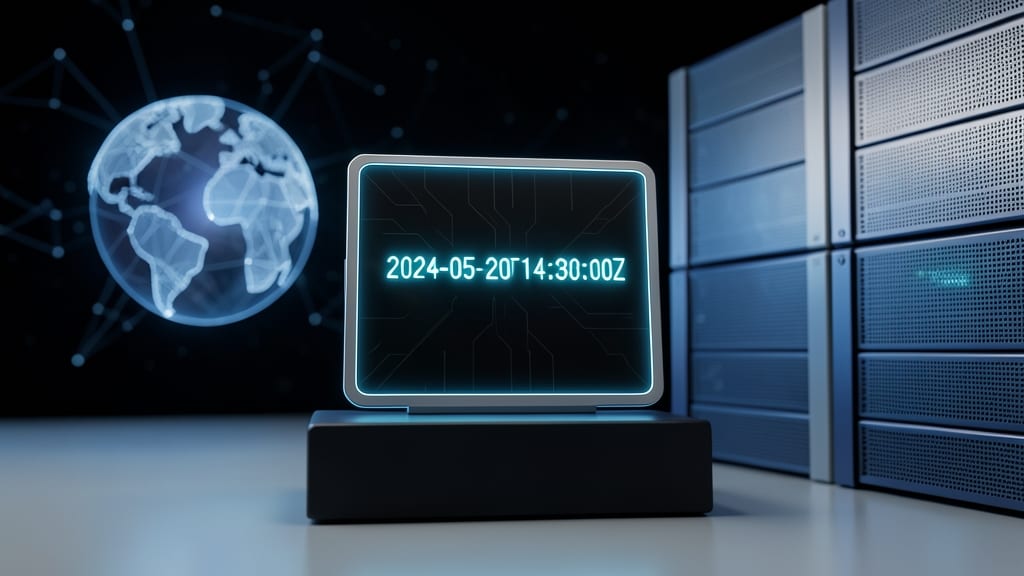
When your API needs to speak the same language as every other system on the planet, JSON Date Format (ISO 8601 String) is the answer. This isn’t just another date format—it’s the universal translator for modern web services, ensuring your backend talks seamlessly to frontend frameworks, databases, and third-party tools.
Look for the strict ISO 8601 structure like "2023-10-15T14:30:00Z"—the "Z" suffix signals UTC timezone, while "T" separates date and time. Libraries like JavaScript’s JSON.stringify() and Python’s datetime.isoformat() automatically generate this format, cutting parsing headaches. It’s also the default in REST APIs, GraphQL, and configuration files (e.g., Docker Compose).
Perfect for developers building microservices, cloud applications, or global SaaS platforms where consistency trumps regional quirks. No more guessing whether "10/15/2023" means October 15th or the 15th of October. ✨
Human-Readable Date Format (Month Day, Year)
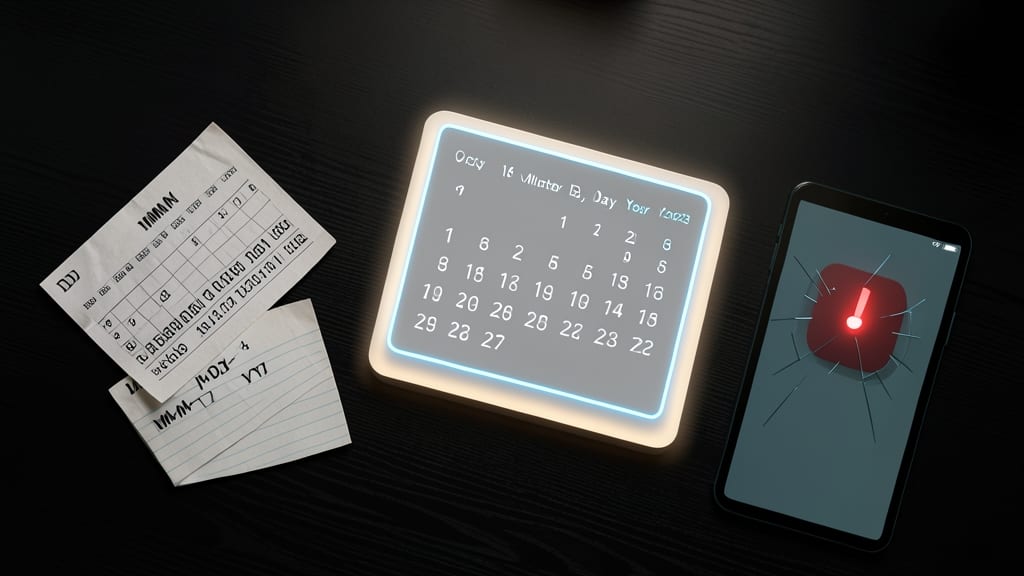
Tired of confusing date formats that trip up users or break international apps? The Month Day, Year format (e.g., October 15, 2023) solves this by prioritizing clarity and cultural familiarity. Unlike machine-friendly formats, this presentation layer standard reads naturally in English and aligns with common user expectations—critical for UIs, documentation, and localized applications.
It’s widely supported in libraries like Moment.js and DateTimeFormat (JavaScript), and frameworks such as React Native and Flutter use it by default for calendar displays. The comma separator and full month name reduce ambiguity, while the YYYY placement ensures chronological sorting when parsed correctly. This format thrives where human interaction matters most—think invoices, event listings, or customer-facing dashboards.
Developers building global applications or user-facing tools should use this format for display layers, while pairing it with ISO 8601 for storage. It’s the bridge between machines and humans, ensuring dates never confuse your audience. 💡