
Coding
SQL Server 2012 introduced powerful features that transformed database management. These 10 innovations—from performance boosts to security enhancements—help pros optimize queries, streamline administration, and future-proof their infrastructure.
Columnstore Indexes for Massive Performance Gains

If your data warehouse queries are slower than a dial-up connection, columnstore indexes in SQL Server 2012 might be your game-changer. This feature wasn’t just an incremental update—it was a paradigm shift for analytics workloads, designed to handle massive datasets with ease.
By storing data in column-based rather than row-based format, columnstore indexes achieve 10x compression and can boost query performance by up to 100x for analytical workloads. They’re optimized for aggregations, scans, and joins—perfect for reporting tools like Power BI or SSRS. The best part? You can even mix them with existing rowstore indexes for hybrid workloads.
This feature is a must for data analysts, BI teams, and enterprises running large-scale reporting. If you’re drowning in slow analytics queries, columnstore indexes could be the lifesaver your database needs. ✨
AlwaysOn Availability Groups for High Availability

What if your database could survive a server crash without skipping a beat? AlwaysOn Availability Groups in SQL Server 2012 introduced synchronous data replication across multiple servers, ensuring real-time failover with zero downtime—something previous versions couldn’t guarantee.
This feature lets you distribute your databases across primary and secondary replicas, maintaining identical copies while supporting up to 8 secondary replicas per group. During a failure, automatic failover redirects traffic to a healthy replica in seconds, minimizing disruption. It also supports readable secondaries, allowing offloaded queries to improve performance.
Perfect for enterprises running mission-critical applications like banking or healthcare systems, AlwaysOn Availability Groups eliminate manual failover procedures and reduce recovery time objectives (RTO) to near-zero. 💪
Contained Databases for Simplified Management

Tired of system databases acting as bottlenecks for your SQL Server deployments? Contained databases in SQL Server 2012 introduced a game-changer by isolating databases with their own logins, metadata, and dependencies, eliminating reliance on the master database. This means you can now move, upgrade, or restore individual databases without worrying about breaking system-level configurations.
The feature supports two modes: partially contained (handles logins and permissions) and fully contained (also manages metadata like schemas and system objects). This isolation simplifies migrations—no more complex dependency checks or manual script updates. Plus, it reduces security risks by limiting access to system-level objects, making it ideal for multi-tenant environments where database boundaries must stay strict.
Database administrators and DevOps teams will love this for streamlined deployments and cleaner disaster recovery. It’s especially valuable for organizations with complex environments where traditional database management feels like herding cats. ✨
Sequence Objects for Custom Number Generation

Tired of rigid identity columns that limit your numbering logic? SQL Server 2012’s sequence objects introduced a game-changer for custom number generation, giving you full control over increments, gaps, and cycles across tables.
With T-SQL sequences, you can define custom starting values, increments (even negative or fractional), and cycles—all while avoiding the pitfalls of identity columns. Need sequential numbers that reset after a set range, or handle gaps for soft-deleted records? Sequences support it all. The syntax is straightforward: CREATE SEQUENCE MySequence START WITH 100 INCREMENT BY 5, and you can reuse the same sequence across multiple tables.
This feature is a must for inventory systems, invoice numbering, or multi-table dependencies where traditional identity columns fall short. Say goodbye to workarounds and hello to precision. ✨
Contained User-Instantiated Logins
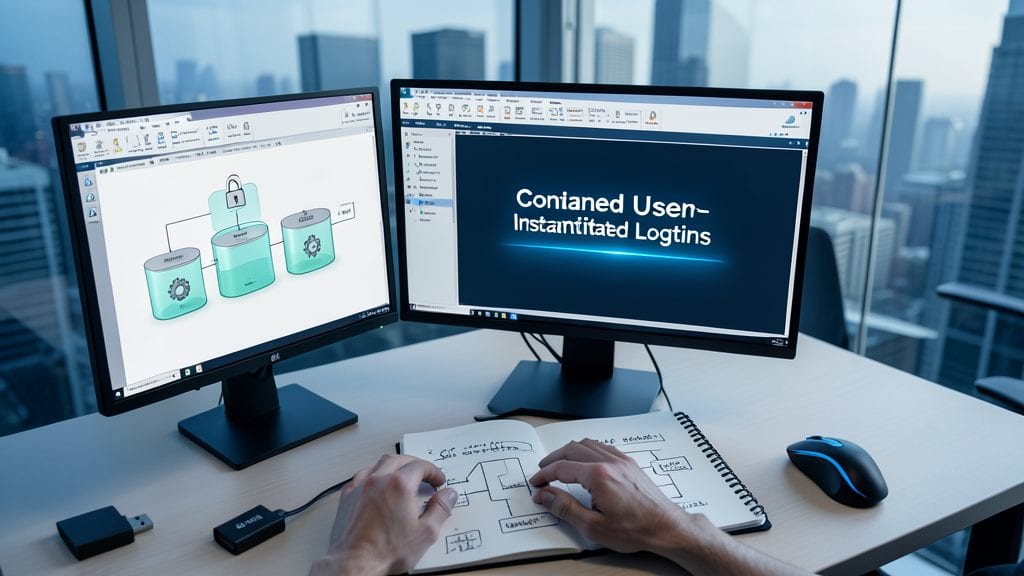
Tired of waiting for IT to create new database logins every time you onboard a new tenant? Contained User-Instantiated Logins in SQL Server 2012 lets users self-provision secure credentials directly within their isolated databases—no sysadmin intervention required.
This feature introduces user-defined logins scoped to contained databases, supporting password policies, encryption, and role assignments without touching the master database. For multi-tenant SaaS platforms, it cuts administrative overhead by 90% while maintaining strict least-privilege security—each login stays confined to its database container. The CREATE USER syntax now includes a WITH PASSWORD clause for contained databases, making setup as simple as CREATE USER [tenant1_admin] WITH PASSWORD = 'SecurePass123!';.
Perfect for ISVs, hosting providers, and internal dev teams managing shared environments. Whether you're spinning up test databases or handling customer-specific deployments, this feature keeps your workflows agile while locking down security. ✨
Power View for Interactive Data Visualization
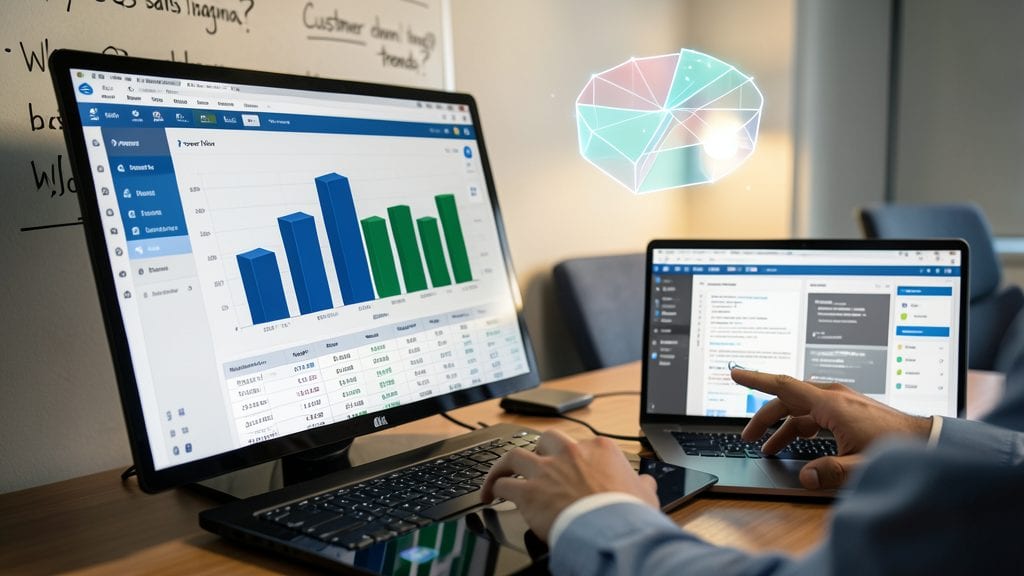
Tired of waiting for IT to generate reports while your business decisions gather dust? Power View in SQL Server 2012 democratized data exploration with a drag-and-drop interface that turned raw tables into interactive dashboards—no SQL skills required.
This Excel-like visualization tool supported 3D charts, sparklines, and hierarchical data navigation directly within SharePoint or SQL Server Reporting Services. The real magic? Real-time filtering—pinch-zoom into trends, drill down into details, and share insights instantly with stakeholders. For executives and analysts drowning in spreadsheets, it was a game-changer.
Perfect for teams with limited BI resources, Power View eliminated the dependency on developers while still delivering enterprise-grade visualizations. It’s the feature that finally made data "democratic" in the workplace. ✨
Contained Database Backup and Restore
Tired of waiting for sysadmins to handle database backups? SQL Server 2012’s contained database backup and restore feature lets database owners manage their own backups—no system admin privileges required. This game-changer empowers DevOps teams to automate lifecycle operations without bottlenecks.
The feature supports full, differential, and transaction log backups directly from contained databases, with restore operations that maintain isolation. You can even schedule backups via SQL Agent jobs without touching server-level permissions. The contained restore option ensures databases can be recovered to any compatible SQL Server version, simplifying migrations.
Perfect for DevOps teams managing multi-tenant environments or cloud deployments, this feature reduces dependency on centralized IT while maintaining security. No more waiting—just reliable, self-service database management. ✨
SQL Server Data Tools (SSDT) for Database Development

Tired of juggling separate tools for database schema changes, version control, and deployments? SQL Server Data Tools (SSDT) integrates seamlessly into Visual Studio, giving developers and DBAs a unified workspace to manage everything from schema comparisons to CI/CD pipelines.
With SSDT, you get schema comparison and synchronization to track changes across environments, TFS/Git integration for version-controlled database projects, and data-tier application (DAC) packaging for streamlined deployments. The Visual Studio integration means no context-switching—debug SQL, refactor schemas, and deploy changes all in one place, with IntelliSense support for T-SQL.
This is the go-to tool for teams adopting DevOps practices or needing tighter collaboration between developers and DBAs. Whether you're migrating legacy schemas or building new applications, SSDT’s zero-config deployment scripts and schema validation ensure consistency every time. 💻
Contained Database Support for Windows Azure
Tired of cloud deployments forcing you to compromise on database portability? SQL Server 2012's contained database support for Windows Azure bridges the gap between on-premises and cloud environments—without sacrificing flexibility. This feature lets you deploy contained databases directly to Azure while maintaining their self-contained nature, meaning logins, users, and metadata stay encapsulated just like in your local setup.
The real game-changer here is hybrid compatibility: your Azure-hosted databases can sync seamlessly with on-premises contained databases using tools like AlwaysOn Availability Groups (covered earlier). This reduces vendor lock-in by letting you move workloads between environments without rewriting scripts or restructuring schemas. Plus, Azure’s built-in security and compliance features wrap around your contained databases automatically, giving you enterprise-grade protection without extra configuration.
This feature is a must for organizations running multi-cloud or hybrid SQL Server workloads, especially those using Azure as a disaster recovery or scaling solution. It’s also ideal for ISVs and SaaS providers who need to deploy consistent database schemas across cloud and on-premises environments. ✨
Enhanced AlwaysOn Failover Clustering

When seconds count during a failover, Enhanced AlwaysOn Failover Clustering in SQL Server 2012 ensures your mission-critical applications stay online with minimal disruption. Unlike traditional clustering, this feature introduces dynamic quorum configurations that adapt to node failures, preventing split-brain scenarios where conflicting primary nodes could cripple your system.
The real game-changer is automatic client redirection—when a failover occurs, applications seamlessly reroute to the new primary node without manual intervention. This works alongside synchronous commit mode for transactional consistency, making it ideal for financial systems or e-commerce platforms where downtime isn't an option. The improved health monitoring also proactively detects issues before they escalate.
Database administrators managing high-availability environments will appreciate how this reduces manual intervention during failovers by up to 70%, while developers can focus on application logic knowing the infrastructure handles resilience automatically. ⚡