Skip to content
Form Templates

Form Templates

  • All Articles
  • App
  • C++
  • Coding
  • More
    • Discord
    • Excel
    • Hardware
    • Microsoft Office
    • Operating System
    • Outlook
    • PowerPoint
    • Review
    • Software
    • Tip & Trick
    • Troubleshooting
    • Windows

All Recipes — Page 28

10 Dangers of Oversharing on Social Media: Real-Life Risks That Can Ruin Your Privacy

October 16, 2026 by Yvette Pappas
10 Dangers of Oversharing on Social Media: Real-Life Risks That Can Ruin Your Privacy

Posting too much online can expose you to serious risks beyond just awkward moments. These 10 real dangers of oversharing on social media reveal how your posts could compromise your safety, finances, and reputation—even…

Read more

Categories Troubleshooting

Dell TPM 2.0 Firmware Update Utility: Bypass Common Errors & Update Safely

October 16, 2026 by Yvette Pappas
Dell TPM 2.0 Firmware Update Utility: Bypass Common Errors & Update Safely

The Dell TPM 2.0 firmware update utility is your gateway to stronger security—but only if you avoid the pitfalls that trip up most users. Struggling with a stuck Dell TPM 2.0 firmware update that keeps failing with…

Read more

Categories Operating System

10 Excel 2013 Advanced Formulas and Functions: Power Tools for Data Analysis Experts

October 16, 2026 by Yvette Pappas
10 Excel 2013 Advanced Formulas and Functions: Power Tools for Data Analysis Experts

Excel 2013 remains a powerhouse for data analysis, and these 10 advanced formulas and functions will transform how you handle complex datasets. Master these expert-level tools to automate calculations, uncover hidden…

Read more

Categories Software

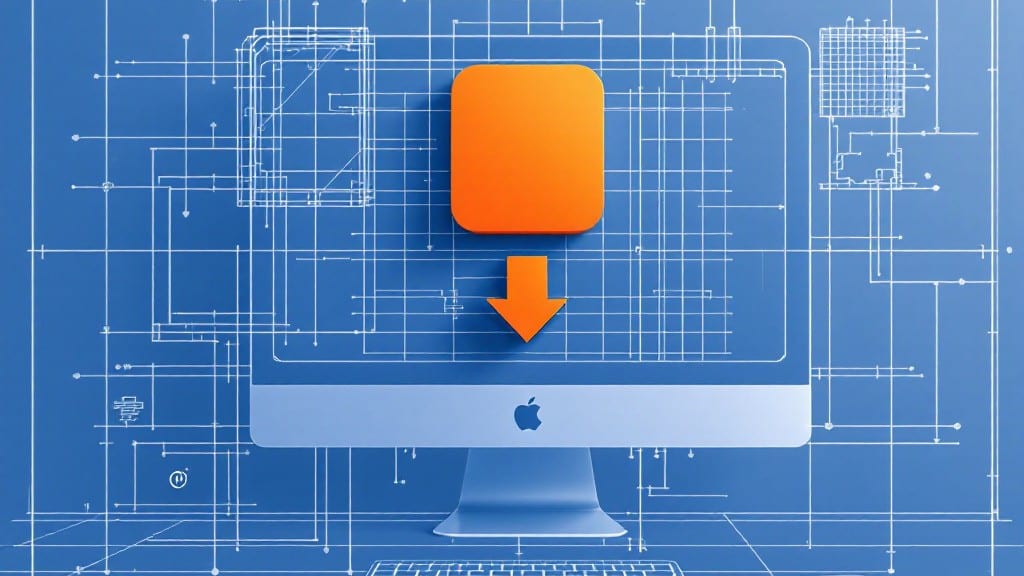
How to Add Apps to Mac Desktop: Drag-and-Drop Placement in Seconds

October 16, 2026 by Yvette Pappas
How to Add Apps to Mac Desktop: Drag-and-Drop Placement in Seconds

Adding apps to your Mac desktop used to feel like a hidden art—until you realize it’s just a drag-and-drop away. ✨ I’ve spent years helping folks pin their most-used apps right where they can see them, and the method is…

Read more

Categories App

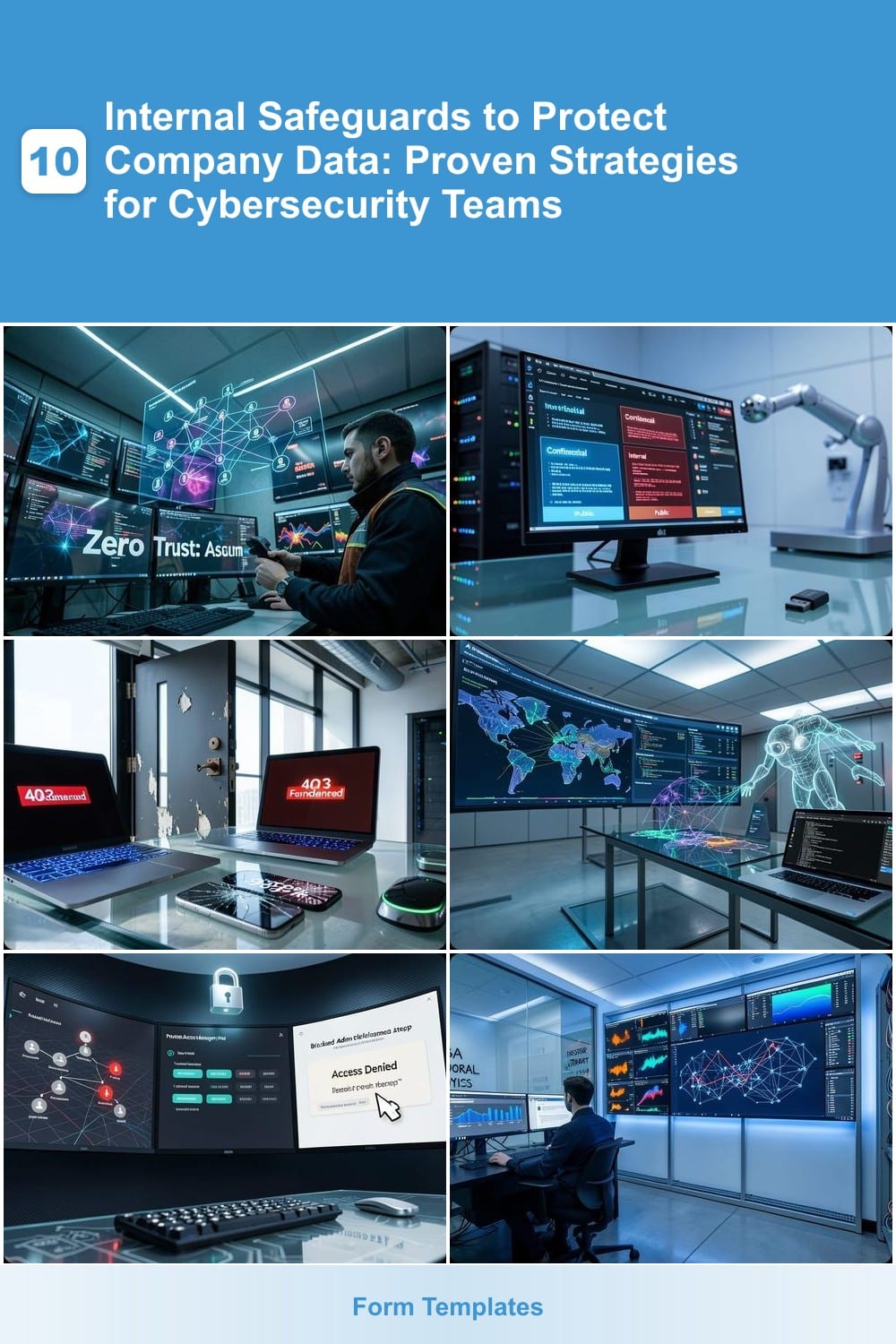
10 Internal Safeguards to Protect Company Data: Proven Strategies for Cybersecurity Teams

October 16, 2026 by Yvette Pappas
10 Internal Safeguards to Protect Company Data: Proven Strategies for Cybersecurity Teams

Cyber threats evolve daily, but strong internal safeguards remain your first line of defense. These 10 proven strategies empower cybersecurity teams to fortify data protection before breaches occur, blending technical…

Read more

Categories Software

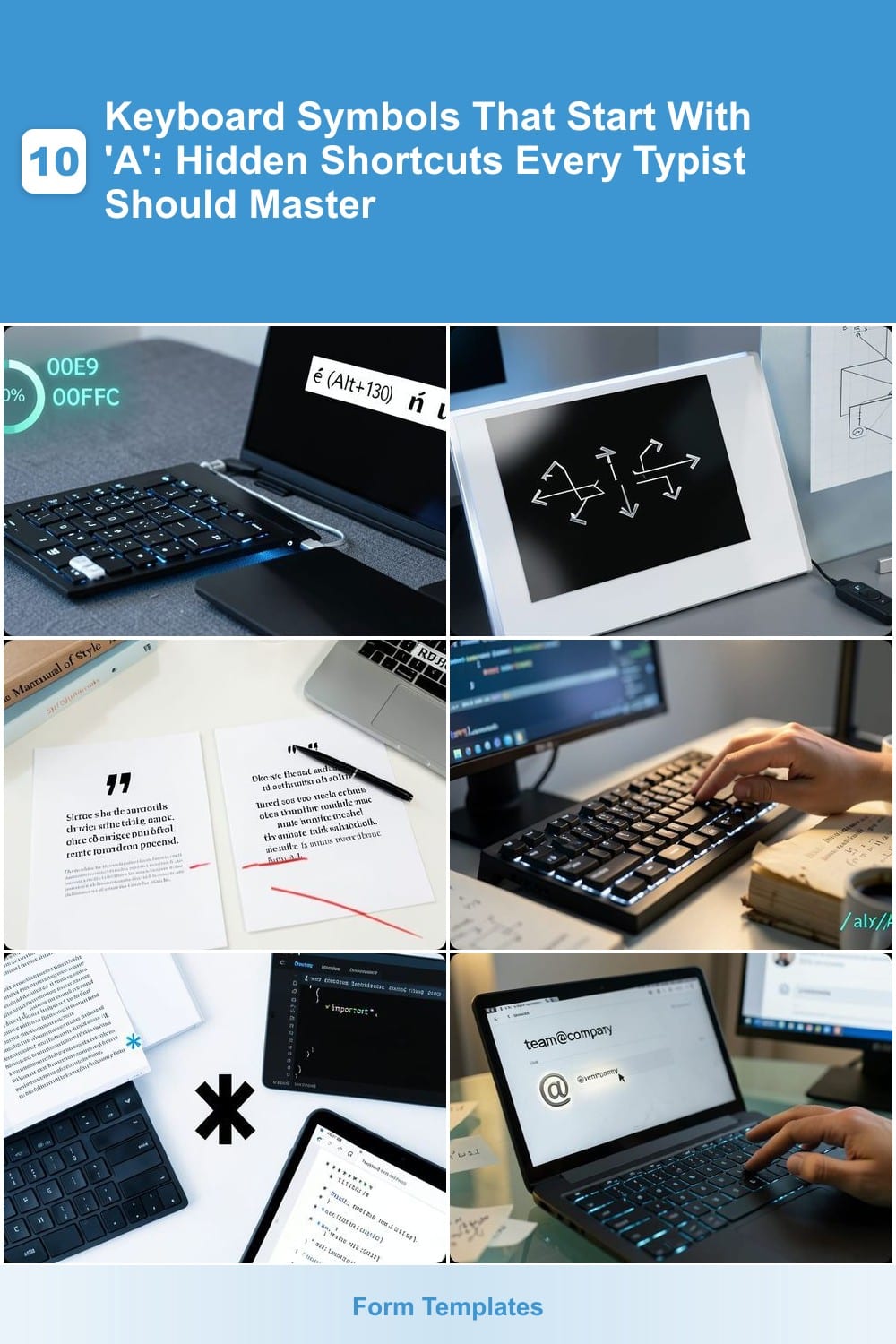
10 Keyboard Symbols That Start With "A": Hidden Shortcuts Every Typist Should Master

October 16, 2026 by Yvette Pappas
10 Keyboard Symbols That Start With "A": Hidden Shortcuts Every Typist Should Master

Mastering keyboard shortcuts can transform your typing speed and efficiency. These 10 often-overlooked symbols starting with 'A'—from accents to arrows—are hidden gems that power users rely on daily to streamline…

Read more

Categories Tip & Trick

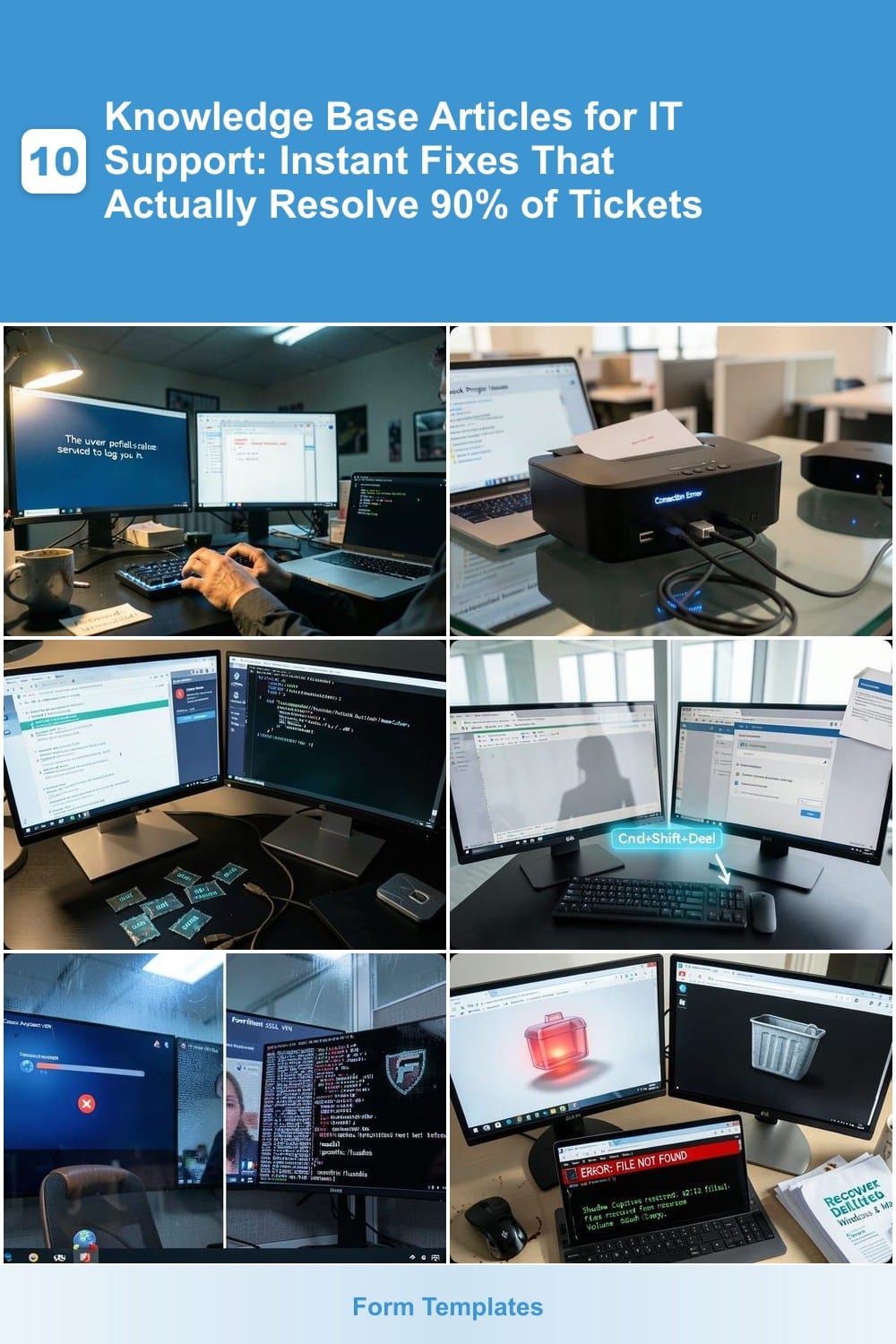
10 Knowledge Base Articles for IT Support: Instant Fixes That Actually Resolve 90% of Tickets

October 16, 2026 by Yvette Pappas
10 Knowledge Base Articles for IT Support: Instant Fixes That Actually Resolve 90% of Tickets

IT support teams waste hours chasing repetitive issues. These 10 knowledge base articles cover the most common tech problems—from login failures to printer jams—with step-by-step fixes that cut resolution time in half…

Read more

Categories Troubleshooting

List of Transition Effects in Powerpoint: Smooth Slideshow Flow for Professional Presentations

October 16, 2026 by Yvette Pappas
List of Transition Effects in Powerpoint: Smooth Slideshow Flow for Professional Presentations

Want to make your PowerPoint presentations more dynamic and engaging? These seven transition effects help create smooth slideshow flow, keeping your audience focused and enhancing your professional impact without…

Read more

Categories PowerPoint

Microsoft Edge: Tips for a Seamless Experience: Speed Up Browsing with Pro-Level Tricks You’ll Actually Use

October 16, 2026 by Yvette Pappas
Microsoft Edge: Tips for a Seamless Experience: Speed Up Browsing with Pro-Level Tricks You’ll Actually Use

Microsoft Edge packs hidden features that can transform your browsing experience—boosting speed, security, and productivity. These seven pro-level tricks will help you navigate the web faster, smarter, and with fewer…

Read more

Categories Software

10 Free OneNote Planner Templates: 2023 Designs for Task Tracking and Goal Planning

October 16, 2026 by Yvette Pappas
10 Free OneNote Planner Templates: 2023 Designs for Task Tracking and Goal Planning

Looking for free OneNote planner templates to organize your tasks, projects, and goals in 2023? These 10 professionally designed templates help you streamline productivity without spending a dime, all compatible with…

Read more

Categories Operating System
Page1…Page26Page27Page28Page29Page30…Page55Next →

About Me

Yvette Pappas

Yvette Pappas
My first computer was a clunky desktop with a dial-up modem that screeched like a banshee every time I tried to load a webpage. That machine taught me patience—and how to fix things when they broke. Now, I run this site to help others navigate the ever-changing world of tech, whether it’s troubleshooting a stubborn printer or mastering the latest software. Think of it as a digital toolkit for anyone who’s ever stared at a screen, wondering what went wrong.

Learn more

Recent Posts

  • How to Set Up Outlook Express Email: Step-by-Step Legacy System Guide
    How to Set Up Outlook Express Email: Step-by-Step Legacy System Guide
  • How to Download Onedrive Files to Computer: Instant Local Access Without Cloud Lag
    How to Download Onedrive Files to Computer: Instant Local Access Without Cloud Lag
  • How to Check Installed Software in Windows 10: Quick Control Panel Shortcut
    How to Check Installed Software in Windows 10: Quick Control Panel Shortcut
  • Outlook Uninstall and Reinstall: Clean Fix for Stubborn System Errors
    Outlook Uninstall and Reinstall: Clean Fix for Stubborn System Errors
  • OneNote for Windows 10 Uninstall: Fully Remove All Traces in Minutes
    OneNote for Windows 10 Uninstall: Fully Remove All Traces in Minutes
  • All Guides
  • About
  • Contact
  • Privacy Policy
  • Cookie Policy
  • Terms of Use
© 2026 formtemplates.work